
Local models with Ollama
Goal: run a coding agent on a model that runs on your computer, with no cloud account for the model. You need: Ollama installed and running, a recent version (Nexus needs the ollama launch command), and a model you pulled.
Be realistic about small local models
Coding agents rely on a model's ability to call tools: read files, edit them, run commands. Small local models are often unreliable at this today. They may ignore instructions, loop, or answer without acting. Larger models do better but need more memory. Start with a small task you can check, and review every change.
1. Pull a model
In any terminal, for example ollama pull <model-name>. The model then appears in Nexus.
2. Choose it in Nexus
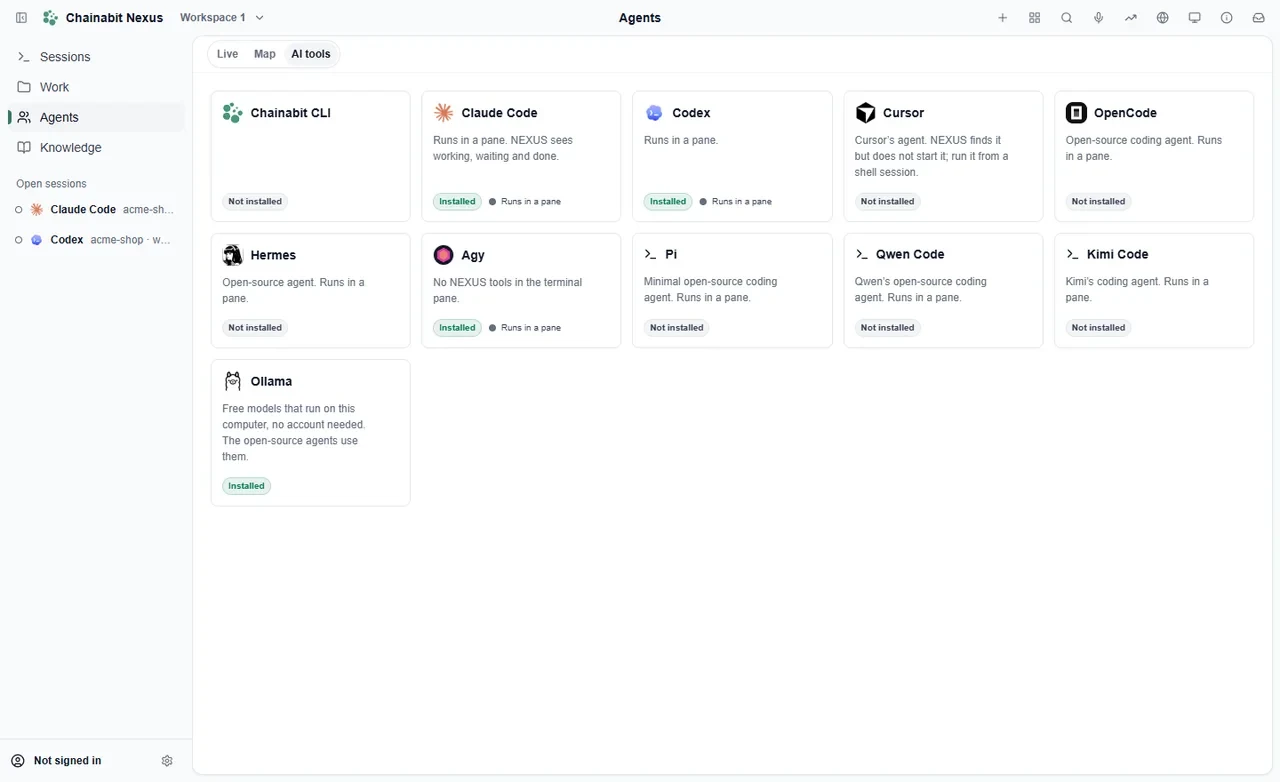
Open Agents, then the AI tools tab, then Ollama. Under Models on this computer you see what is pulled and whether the Server running. In Local model for Claude Code and Codex:
- Pick the Model.
- Pick the Context window. Claude Code and Codex need a large window, and Nexus warns if yours is too small.
Nexus says "Local model saved."
If Update Ollama appears, your Ollama has no ollama launch. If Pull a model first appears, pull one.
3. Start a session on it
In New session, pick Claude Code or Codex and turn on Run on a local Ollama model. The line below the switch says which model and how many tokens of context it uses. Hooks, Nexus tools and the task stay available. If the switch is off, its description tells you why: Ollama is not running, no model is chosen, or the model is not pulled.
4. Check the result
Give the agent a small, checkable task. Review its changes before you accept them.
Result
An agent runs on your own hardware. Ollama is marked Free · local in the setup and needs no account.